A Termly alternative.
Termly combines consent tools with policy generators. Compare the whole setup you need, including any policies that must remain available after a switch.
QookieQloud and Termly, compared.
Compare a dedicated consent workflow with a suite that also generates legal policies.
| What matters | QookieQloud |  Termly Termly |
|---|---|---|
| Product scope | Website consent, scanning and client-site management; a cookie policy generator/editor from Standard. | Consent management alongside privacy policy, terms and other policy generators. Source for Product scope |
| Installation | WordPress and Statamic integrations, plus Shopify and custom JavaScript options. | Offers consent banners, a preference center and policy publishing through links or code snippets. Source for Installation |
| Cookie review | Categories can be accepted automatically when AI confidence is high enough or enough consistent reviews across websites support the same category. Suggestions that need review show confidence and reasoning to help you decide. | Provides cookie scanning and cookie policy generation as part of its product offering. Source for Cookie review |
| Plan limits | Plans based on subpages: Free up to 50, Standard up to 75. See current pricing for larger sites. | Free: 10,000 banner views/month; Starter: 50,000; Pro+: unlimited. Source for Plan limits |
| Banner languages | One chosen language on Free; multilingual support from Standard. | Multilingual banners on Pro+. Source for Banner languages |
| Banner styling | Standard CSS on Free; customizable CSS and color themes from Standard. | Custom banner styles on Pro+. Source for Banner styling |
| Google Consent Mode | Google Consent Mode v2 signals follow visitor choices. Verify tag behavior for your configuration. | Consent Mode v2: Basic on Free/Starter, Advanced on Pro+. Source for Google Consent Mode |
| Agency workflow | Partner accounts for client websites, with your own service pricing and customer billing. | Agency program with multi-site management and volume pricing. Source for Agency workflow |
Features and limits depend on the plan and can change. This comparison covers selected workflows, not every capability. Competitor names belong to their respective owners; no affiliation or endorsement is implied.
Choose around your existing setup.
Consider QookieQloud when cookie review, a Statamic integration and managing client websites are your priorities. Check the current plans against your requirements. Review consent choices and export records for your team. Premium also includes a visitor portal for requests to access, correct or erase data.
Termly may fit better if you want consent tools and several policy generators from one provider. Replacing a banner does not replace your policy documents or hosted policy links.
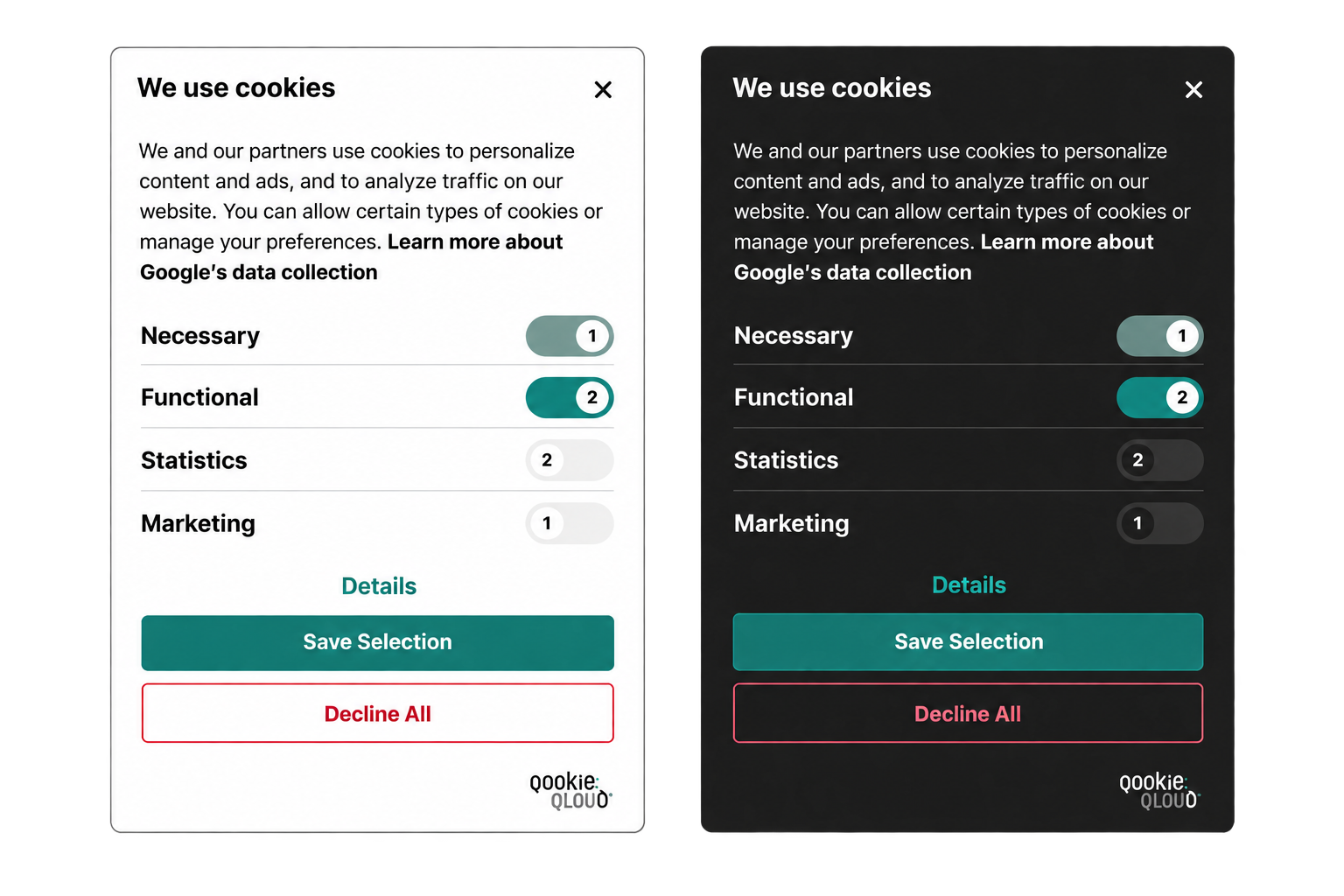
Automatic classification, review when needed
Categories can be accepted automatically when AI confidence is high enough or enough consistent reviews across websites support the same category. Suggestions that need review show confidence and reasoning to help you decide.
See how classification works →Installation
WordPress and Statamic integrations, plus Shopify and custom JavaScript options.
Connect WordPress or Statamic →For agencies
Manage customer websites through a partner account, with your own service pricing and customer billing.
Explore partnerships →Plan your switch.
Treat the move as a new installation, with time to test your consent settings.
Inventory and save
Record every place that loads Termly: the site template, a CMS plugin, Google Tag Manager and any platform integration. Save the current configuration, tag-container version, banner texts and records you need before closing the old account.
Prepare QookieQloud on staging
Add the domain, choose a plan for the features you need and configure languages, categories, regional behavior and policy links. Connect your CMS or use the installation snippet provided for your site. Review scan findings and map each tag to the appropriate category; a scan alone does not prove correct blocking.
Test the entire choice flow
Use a clean browser session and test before any choice, reject all optional categories, accept all, a partial selection and withdrawal. Inspect cookies, local storage and network requests against your intended consent mode. Reload, navigate between pages and test a returning browser with an old Termly preference. Check mobile, language versions and regional rules. Google advanced consent mode can send cookieless pings; assess those separately from cookies.
Questions about switching.
Practical answers before moving your website to QookieQloud.
Can I try QookieQloud before replacing my current banner?
Yes. Start with the free public scan without installing QookieQloud. Connecting the consent platform is a separate step.
Will my settings and consent records transfer automatically?
Do not assume they will. Plan to configure QookieQloud and retain any records you need from your current provider. Check your specific migration needs with our team.
Do I need to review every AI cookie classification?
Not every classification needs manual approval. Cookie categories can be accepted automatically when AI confidence is high enough or enough consistent reviews across websites support the same category. Suggestions that need review show a confidence level and reasoning to help you decide.
Other comparisons
See how QookieQloud compares with other consent platforms.
Complianz
Compare a WordPress-native privacy suite with a platform for consent across website stacks.
Compare with Complianz →
Cookie Information
Compare automatic consent operations, CMS integration and bundled analytics.
Compare with Cookie Information →
Cookiebot
Compare page-based plans, recurring scans and how your team reviews cookie findings.
Compare with Cookiebot →
CookieFirst
Compare periodic scanning, cookie policy updates and your day-to-day review workflow.
Compare with CookieFirst →
CookieYes
Compare cookie discovery, plan limits and the workflow behind your consent banner.
Compare with CookieYes →
iubenda
Compare website consent management with an integrated policy and privacy toolset.
Compare with iubenda →
OneTrust
Compare website consent workflows, advanced scanning and the scope of your privacy setup.
Compare with OneTrust →
Start with your own website.
A free scan gives you a starting point before choosing your consent platform.